
Interactive Flowchart Viewer
Pro Feature
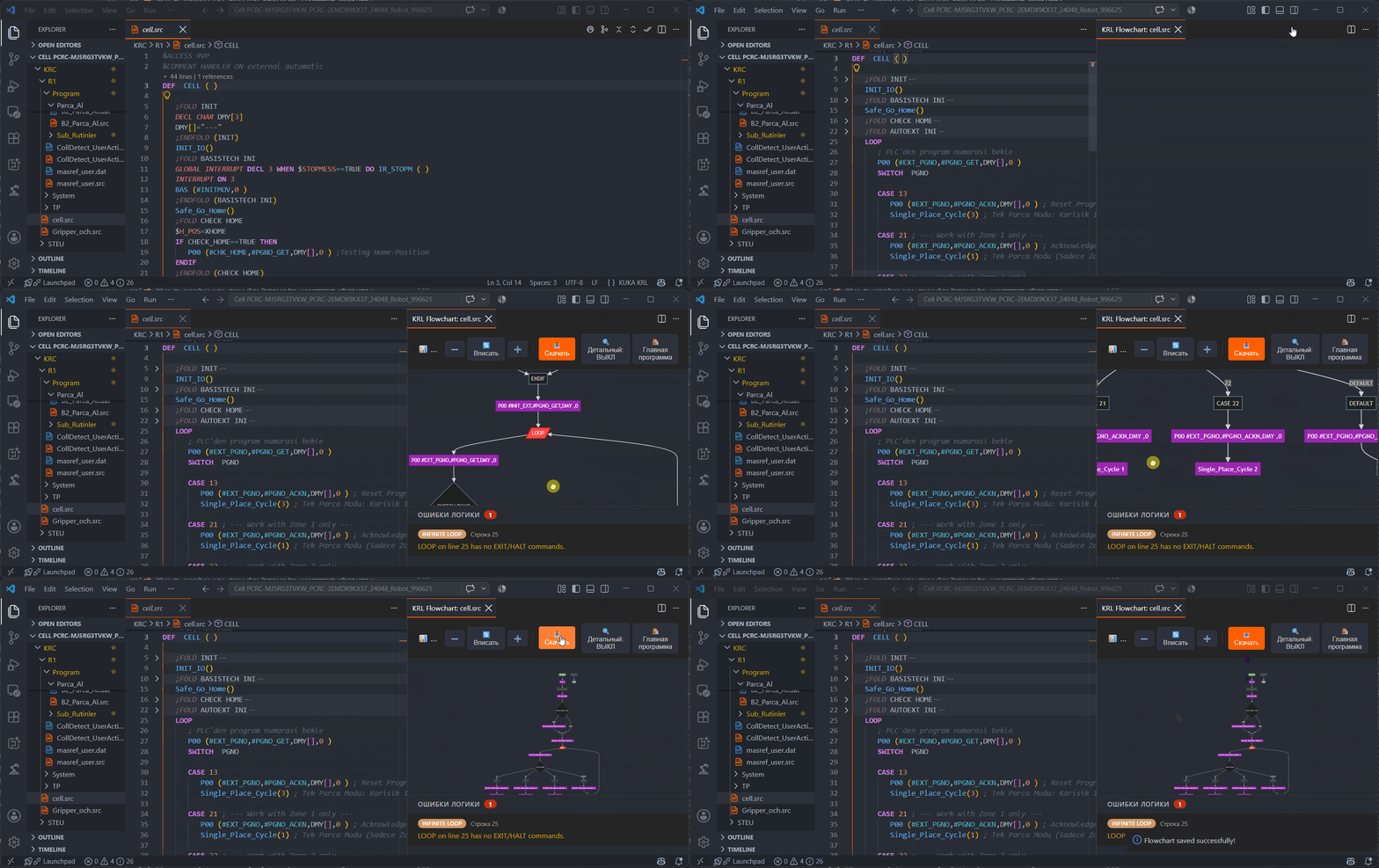
Stop tracing nested logic (IF, SWITCH, LOOP) by hand. KUKA KRL Professional turns complex .src programs into clean, visual control-flow diagrams.
Key Features
- Bi-directional Navigation: Click any block in the flowchart to jump to the exact line of code in the editor.
- Subroutine Drill-Down: Click subprogram calls (e.g.,
GrabPart()) to load and display their specific flowcharts. - Detailed Info-mode: Toggle flags, timers, and I/O states directly on the flowchart blocks with color indicators.
- SVG Export: Export vector graphics of your subprograms to embed directly into client documentation.

How to Use
Open any .src file and click the Show Control Flow Graph icon in the top right corner of the editor, or run KRL: Show Control Flow Graph from the Command Palette.