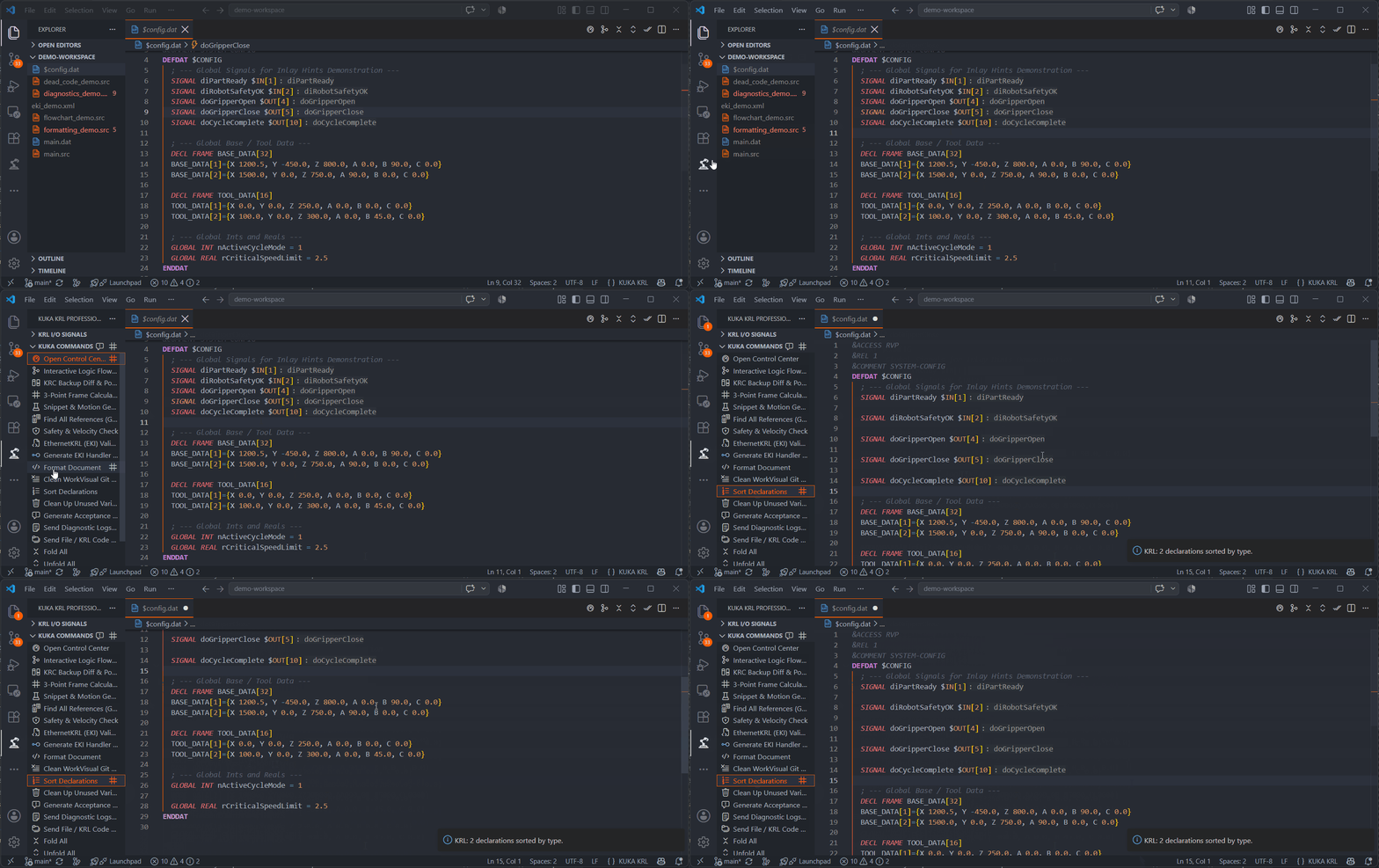
Community Edition — Free Core Features
Detailed walkthrough of the 15 core free features in KUKA KRL Professional.
1. KRL Syntax Highlighting
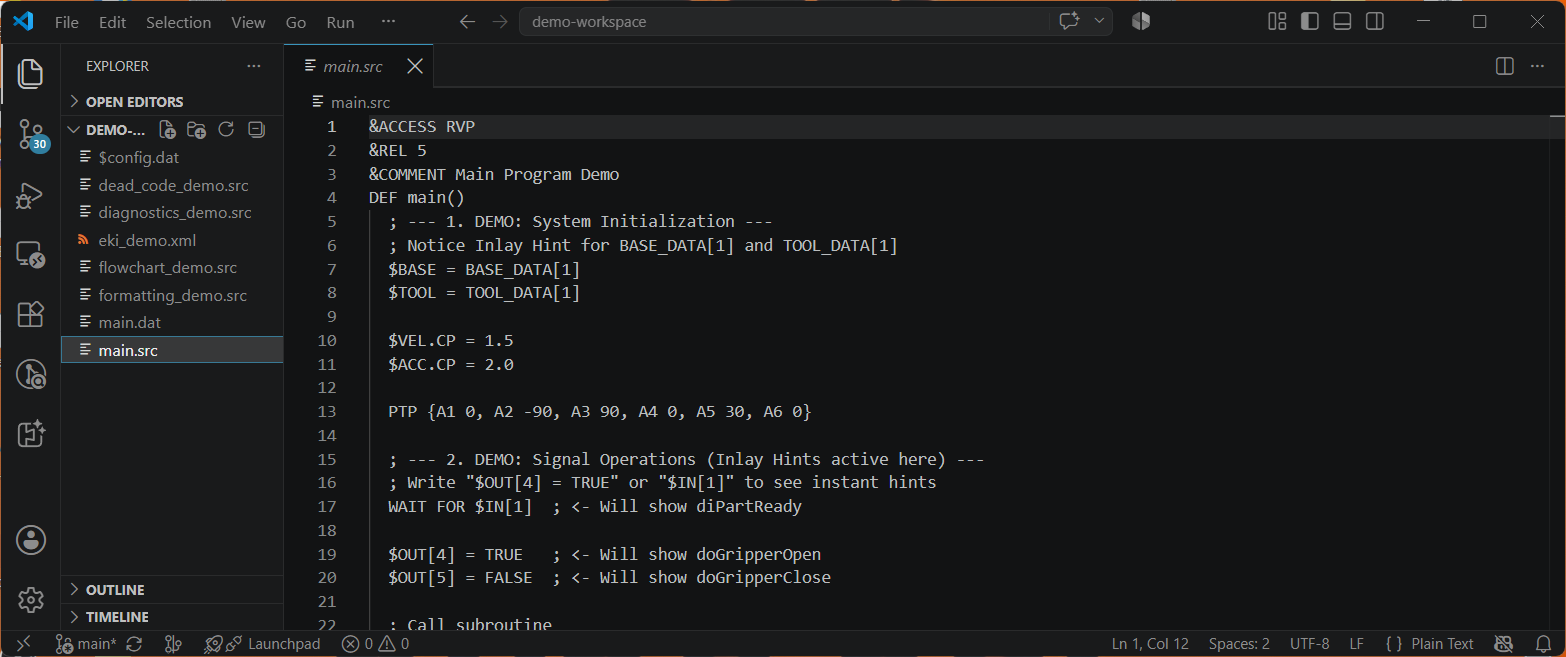
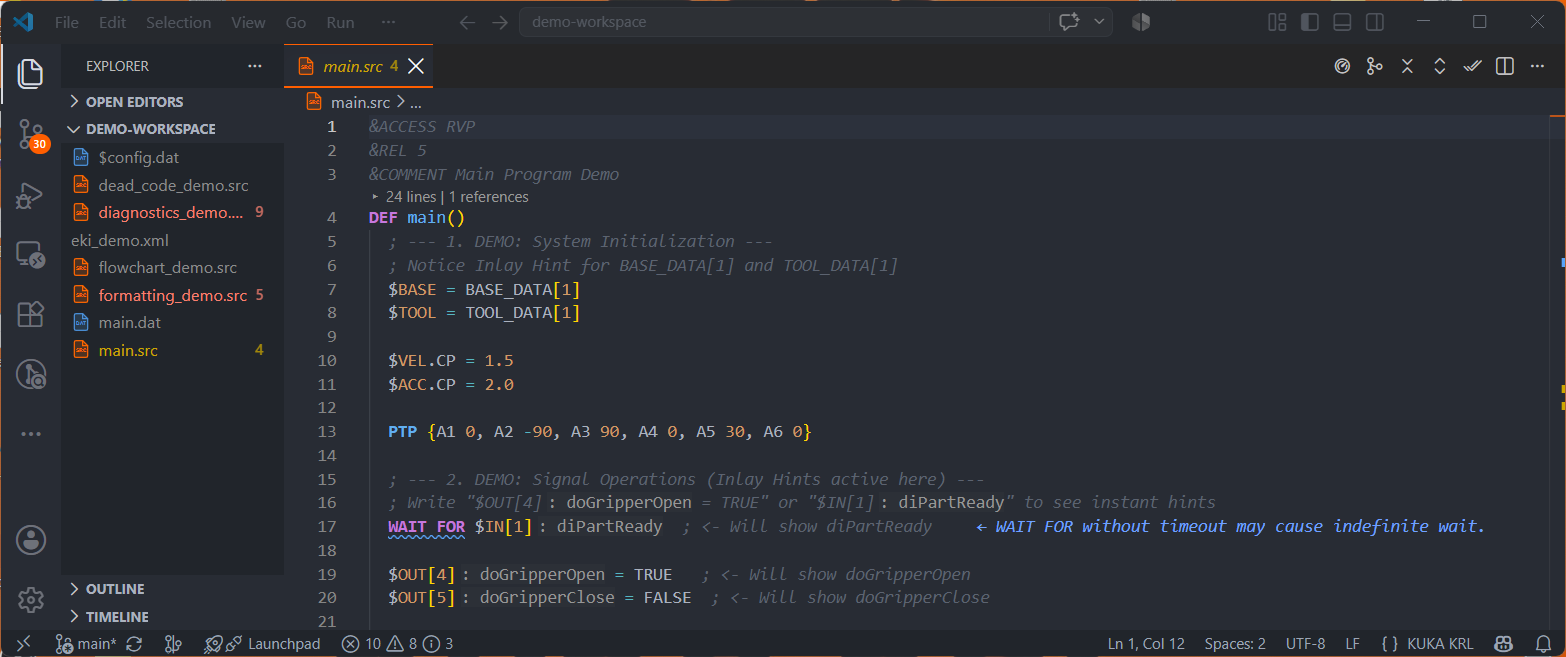
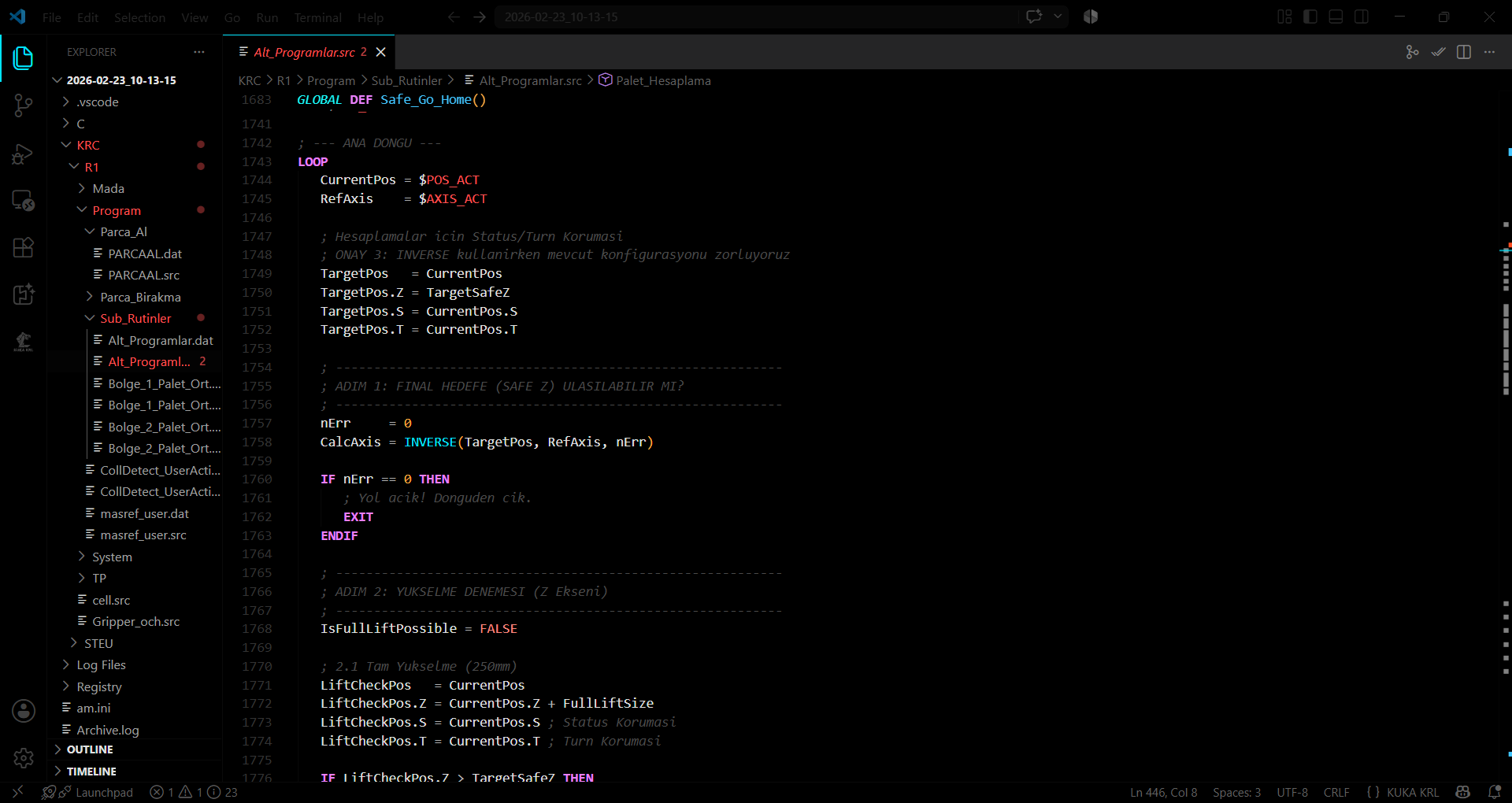
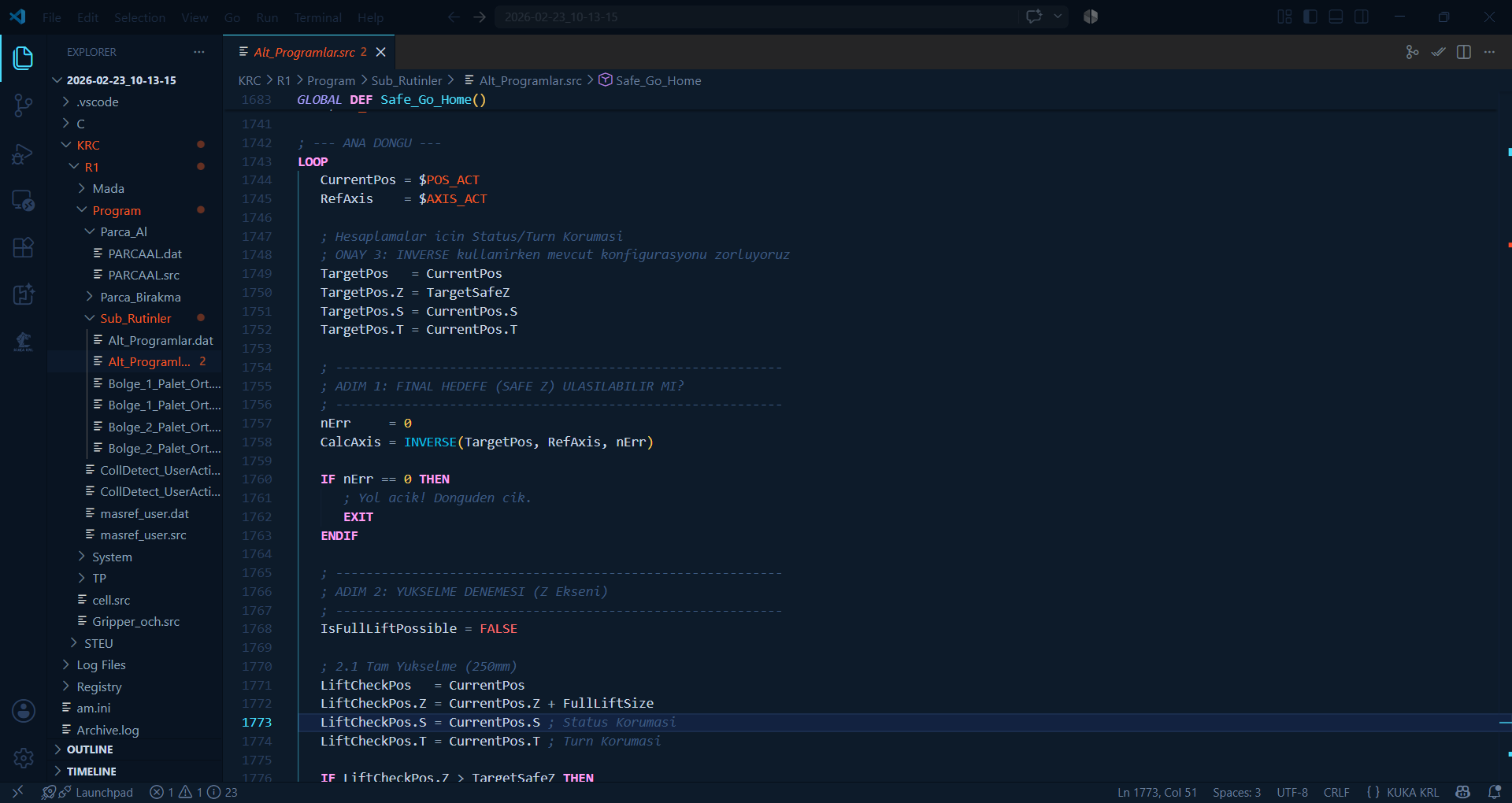
Full syntax parsing of .src, .dat, .sub files. Colorizes keywords, data types (INT, REAL, BOOL, E6POS), system variables, and WorkVisual FOLD structures.
Before Installation:
After Installation:
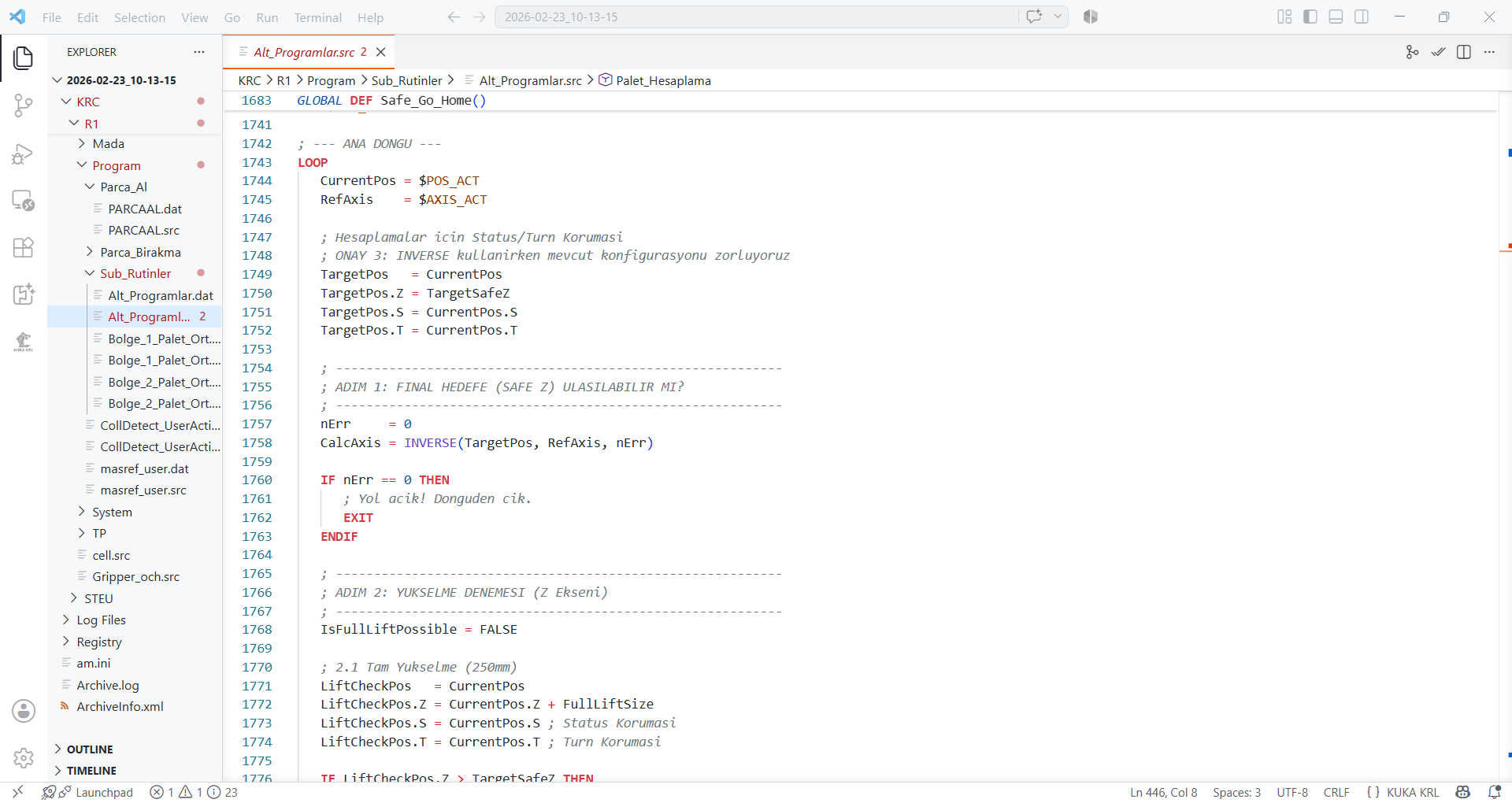
2. Exclusive KUKA Themes (6 Tailored Color Themes)
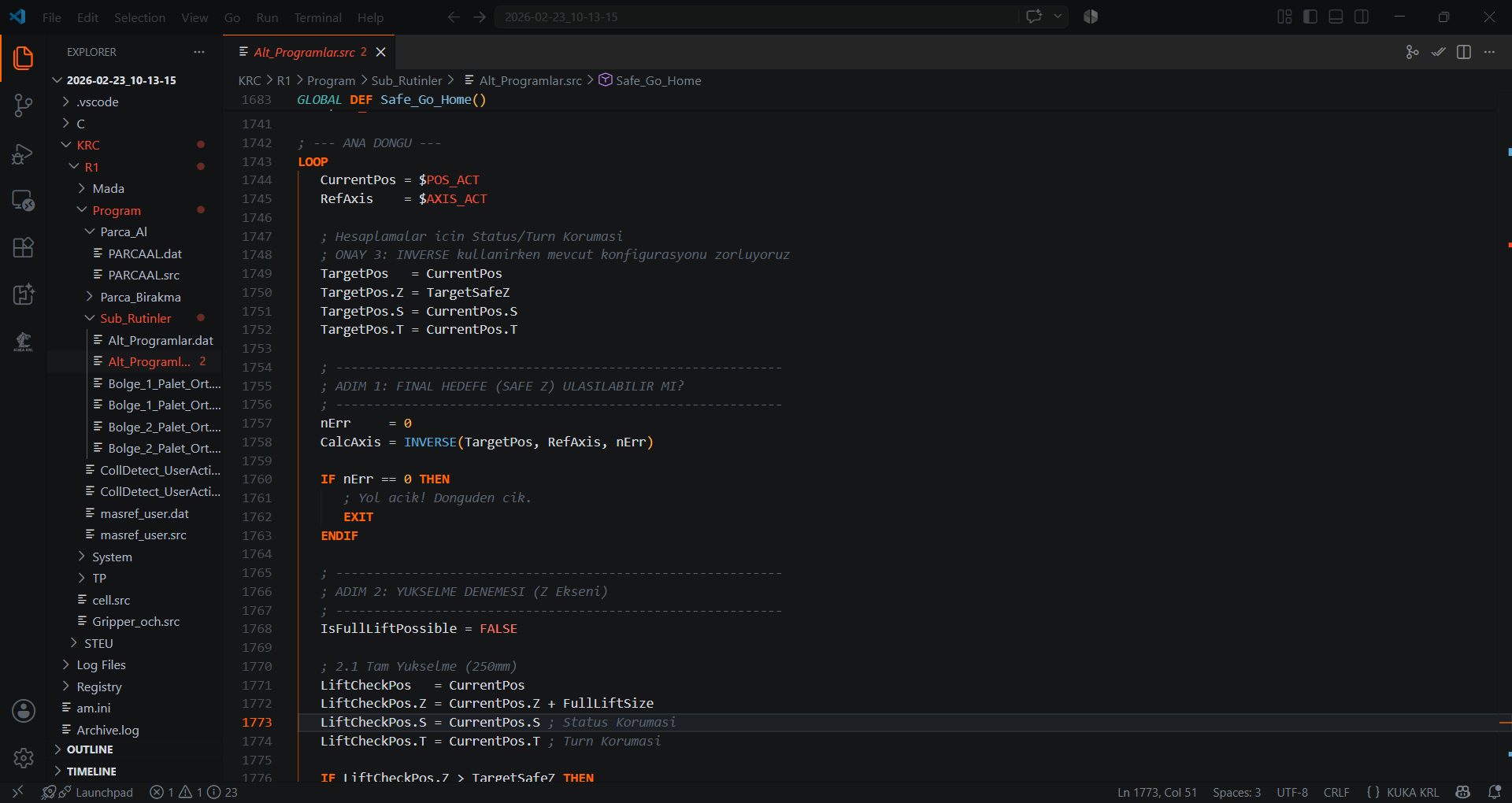
6 professional themes tailored for factory floors and SmartPAD displays:
- Industrial Dark (Signature KUKA
#FF6600) - WorkVisual Dark
- WorkVisual Light
- Midnight OLED
- Blueprint
- Industrial Light
Shortcut: Ctrl + K Ctrl + T
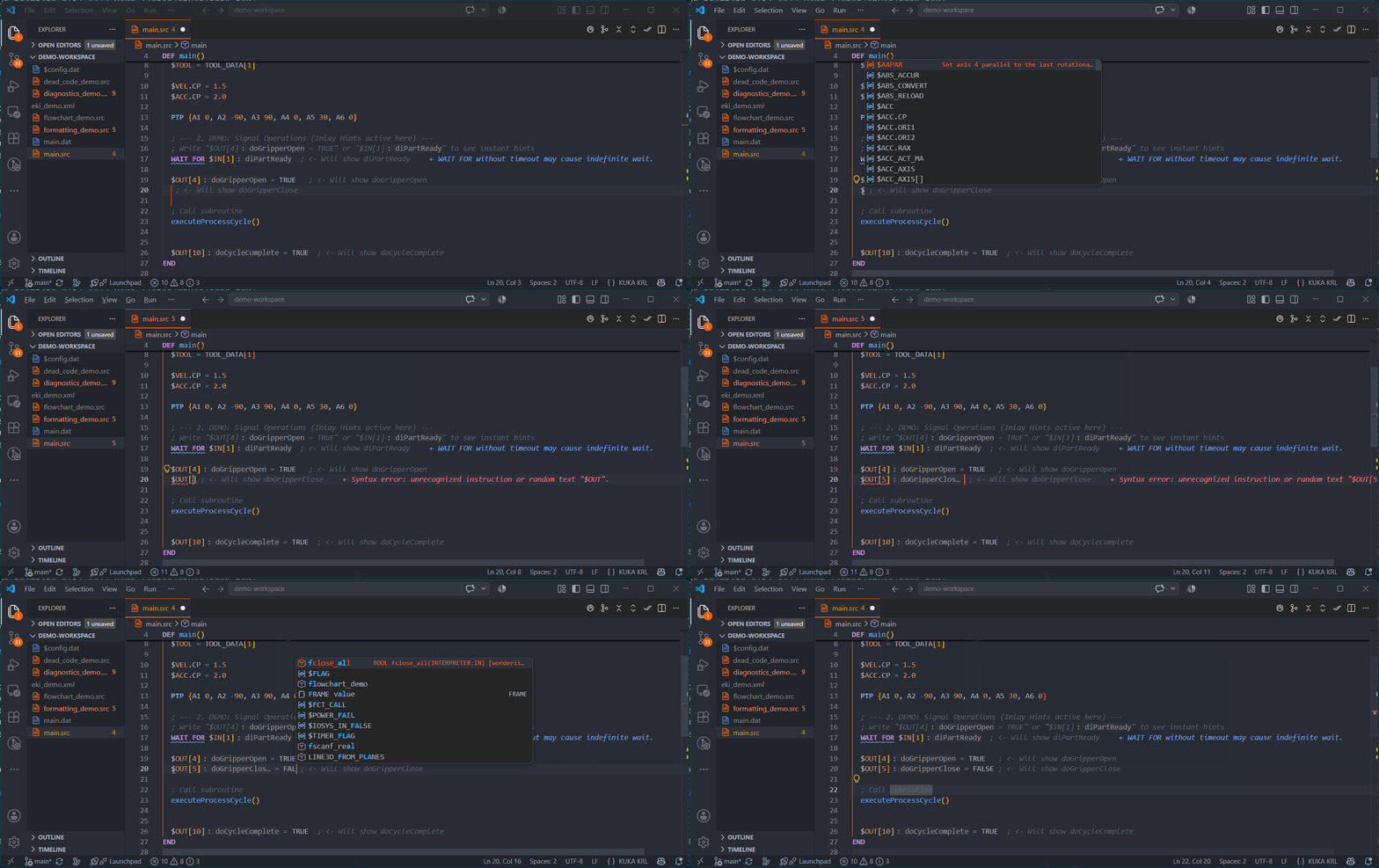
3. Smart Autocomplete (KSS 8.7 & System Variables)
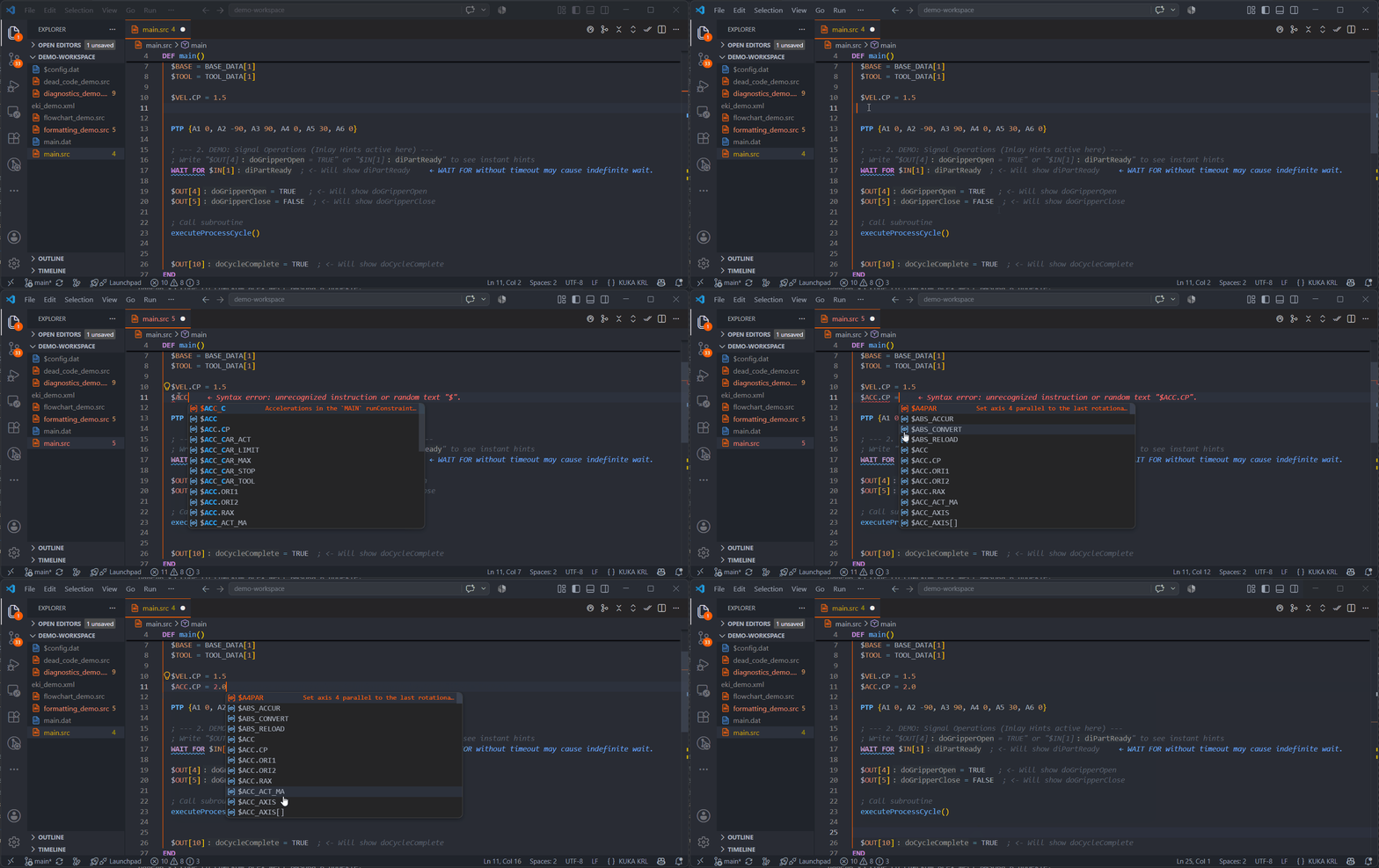
Intelligent dropdown for 350+ system variables ($POS_ACT, $VEL.CP, $BASE, $TOOL, $IN, $OUT).
4. Hexa-Locale Localization (EN / DE / RU / ES / IT / TR)
Native UI localization for 6 industrial languages: English, German, Russian, Spanish, Italian, and Turkish.
5. Hardware Signal Inlay Hints ($IN / $OUT / $ANIN / $ANOUT)
Displays signal names inline right next to hardware channels (e.g., $IN[1] : diPartReady).
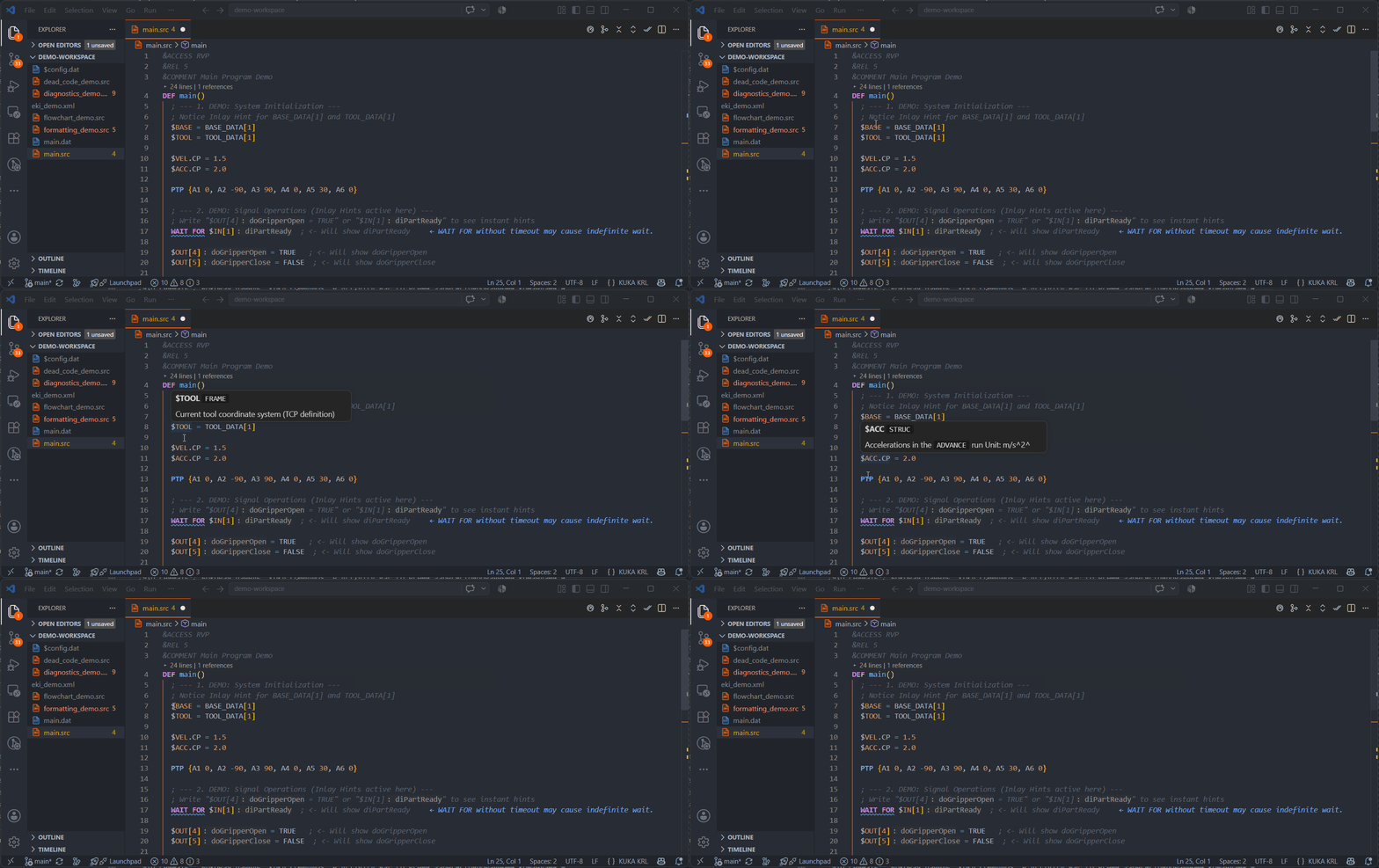
6. Hover Documentation & Read/Write Status
Hovering over system variables shows KSS manual info, data types, and read/write states.
7. Cross-File Navigation (.src ↔ .dat Go-to-Definition)
Jump from point references in .src directly to declarations in .dat via F12 or Ctrl+Click.
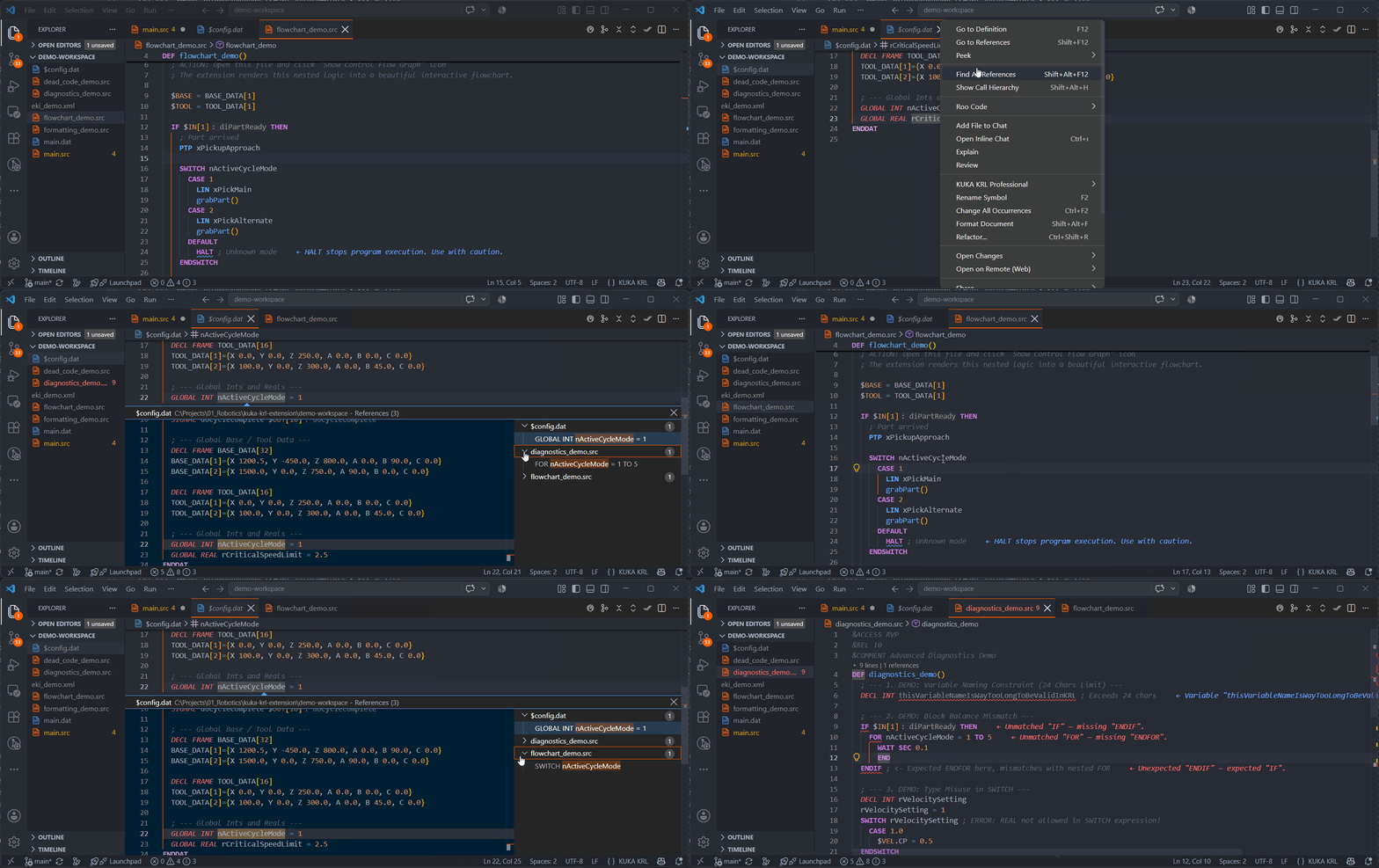
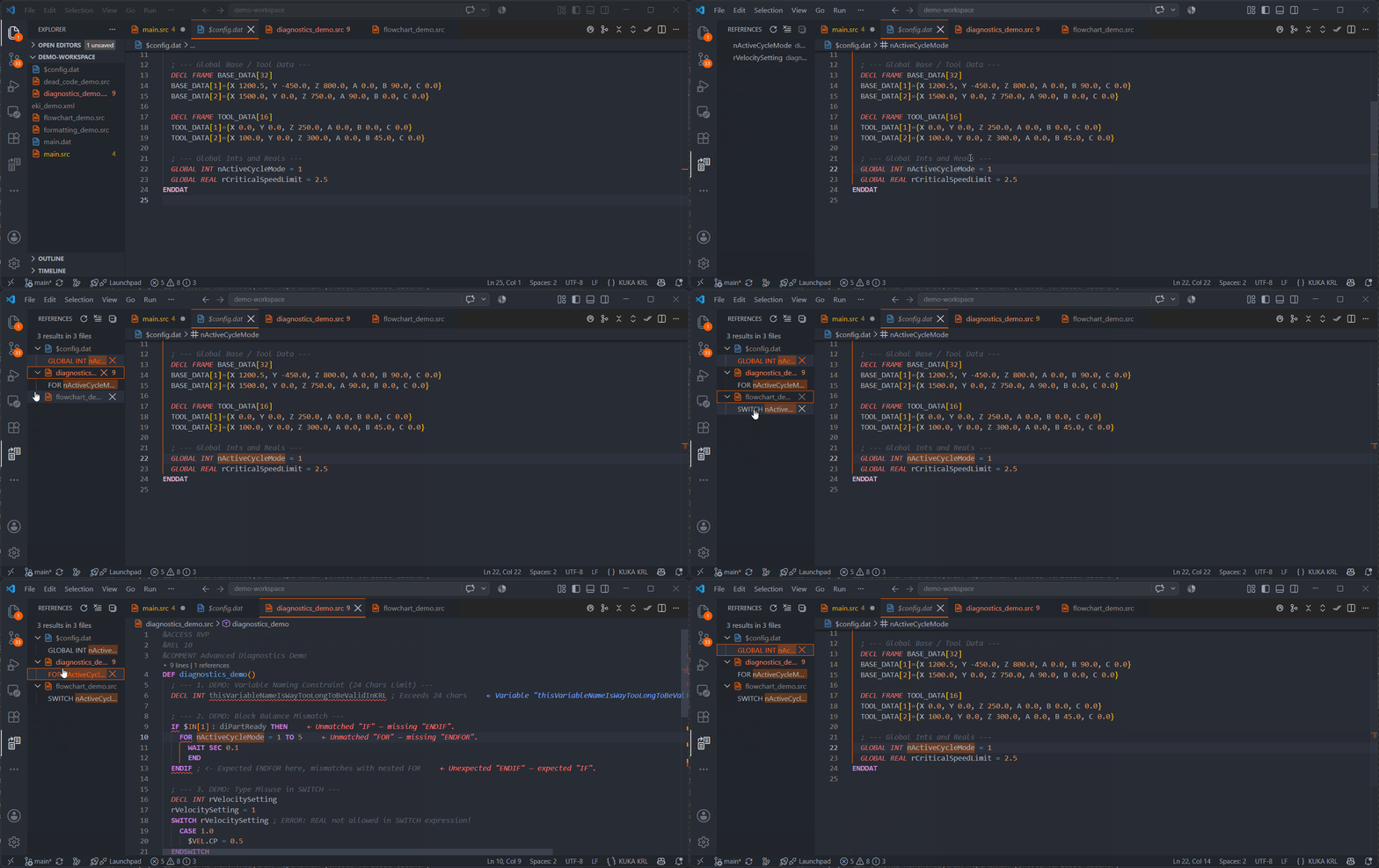
8. Find All References (Shift+Alt+F12)
List all symbol references across the workspace.
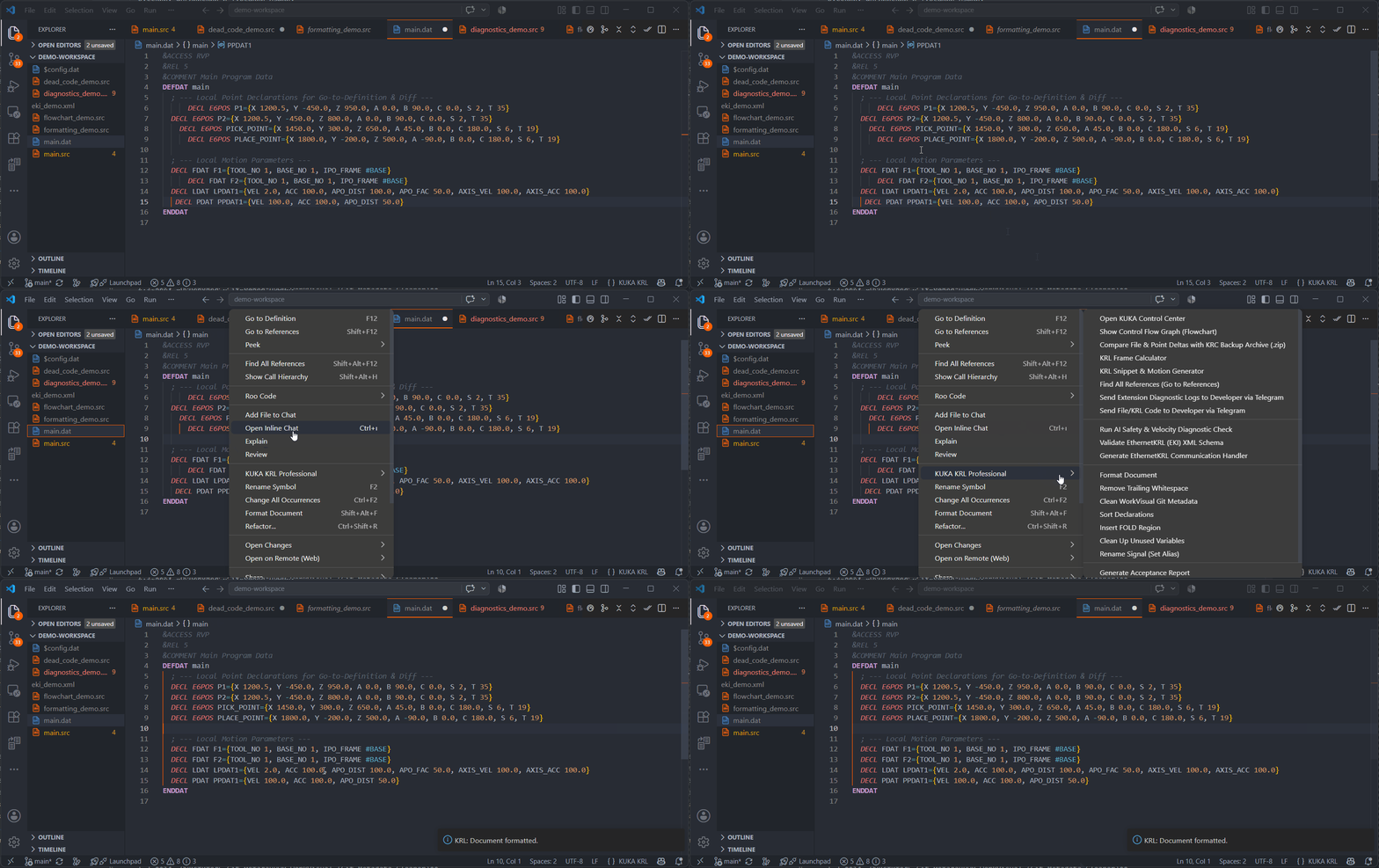
9. Global KRL Formatter (Code Alignment & Indentation)
Formats assignments and IF/FOR/WHILE nesting via Shift + Alt + F.
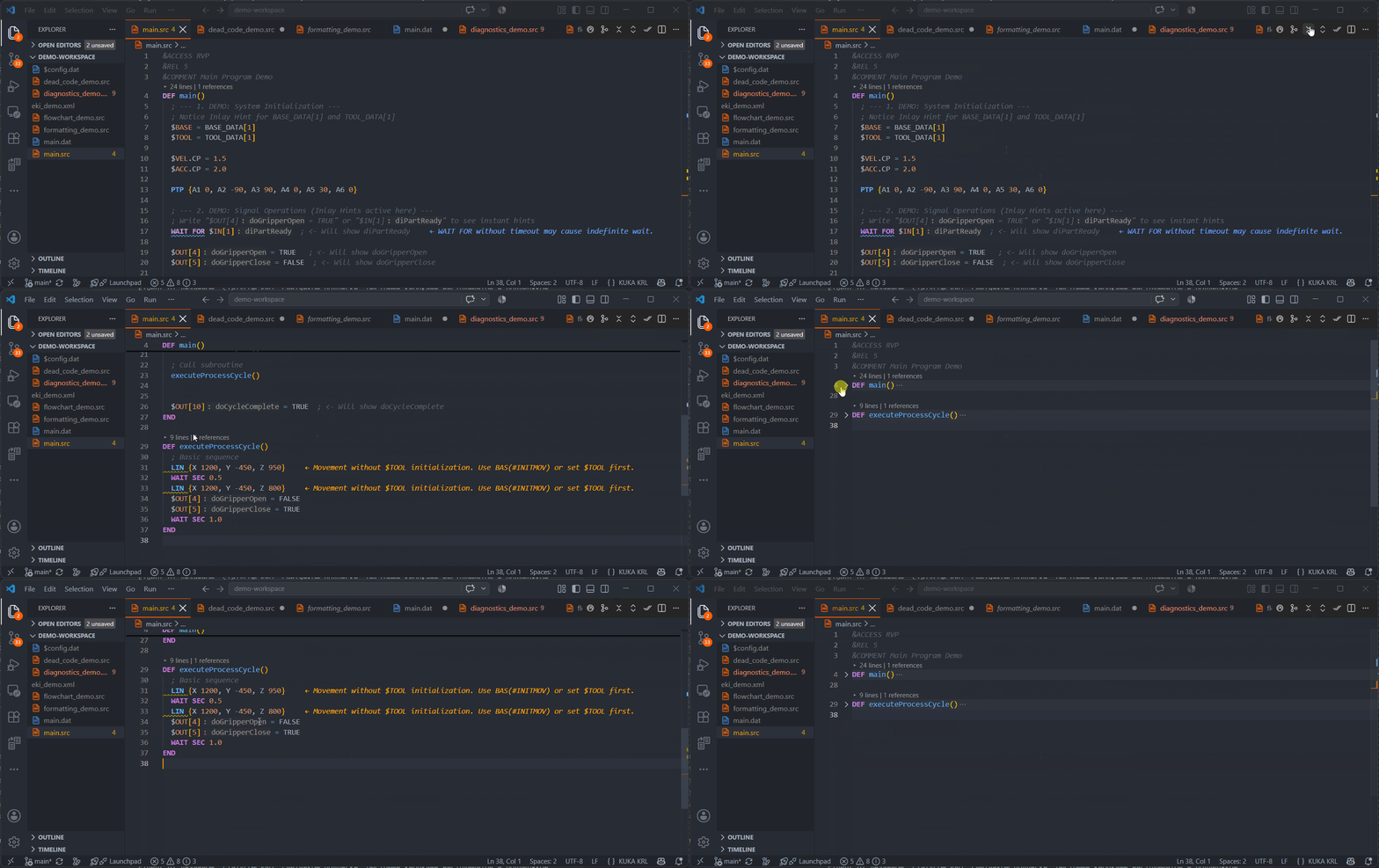
10. Quick Fold Toolbar Buttons
Top bar icons [Fold All] (krl.foldAll) and [Unfold All] (krl.unfoldAll) for instant FOLD collapse/expand.
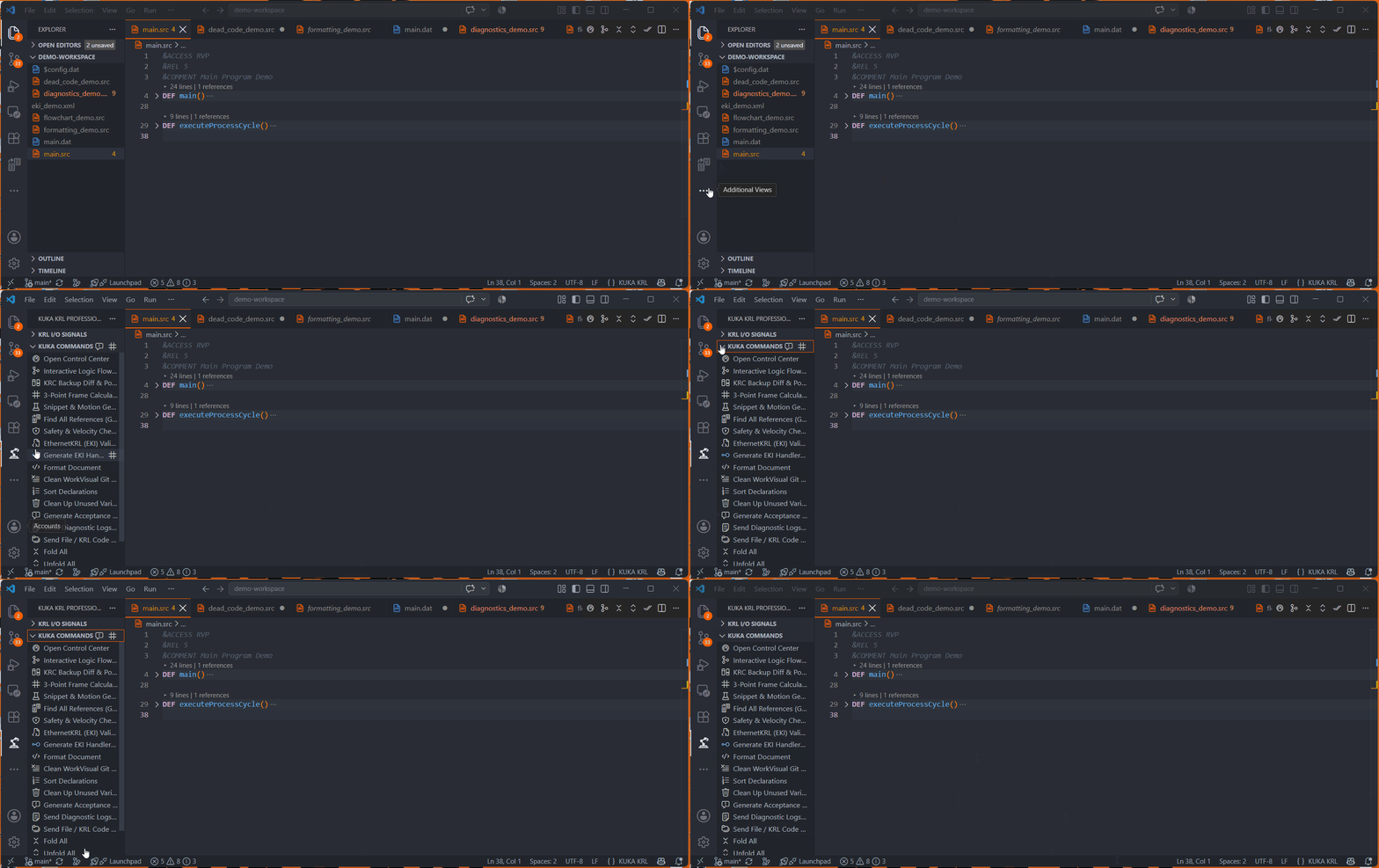
11. KUKA COMMANDS Panel
Structured sidebar panel containing all extension tools.
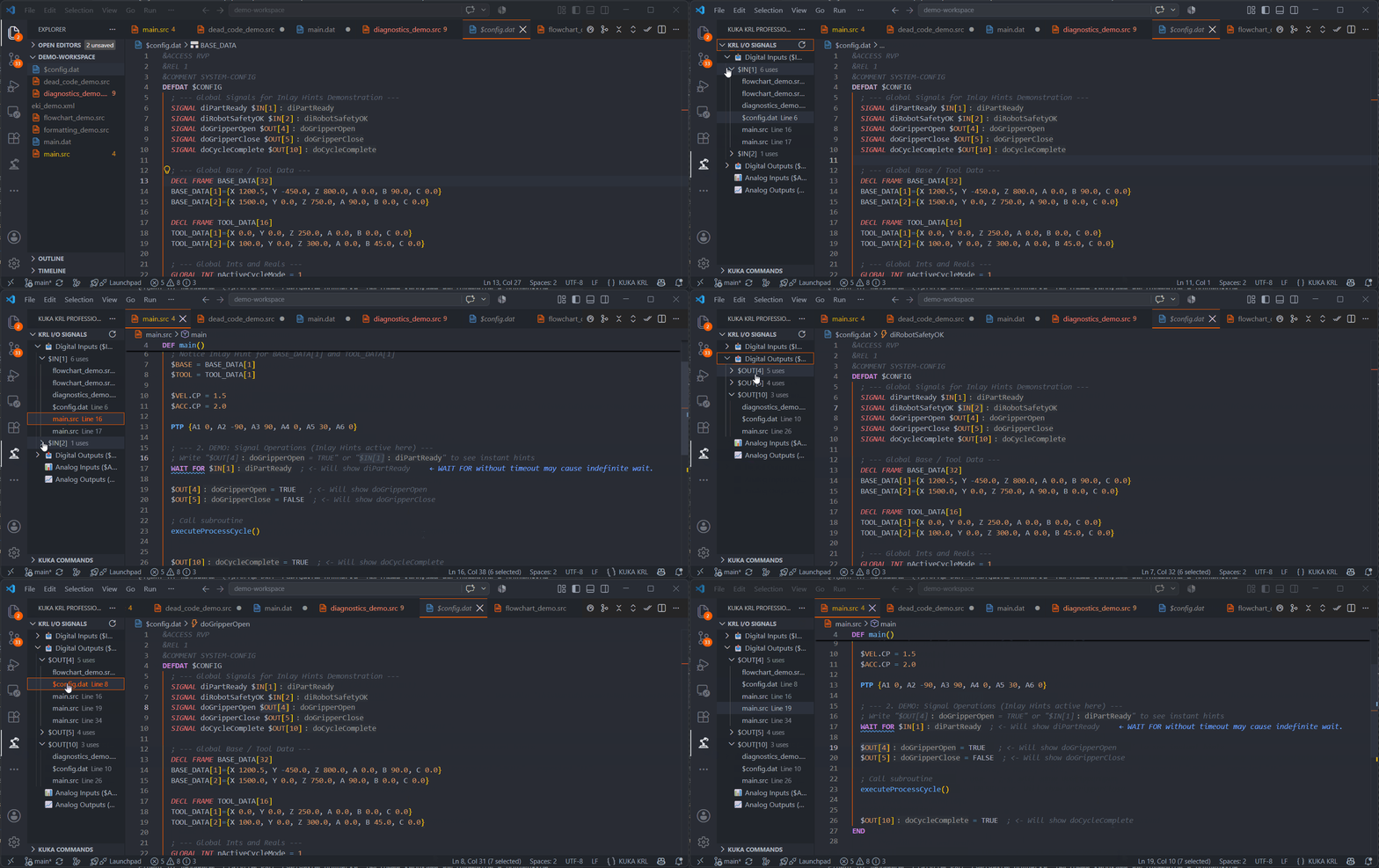
12. KRL I/O Signals Panel
Side panel for hardware signals with live search and comment filtering.
13. Unused Variable Cleaner
Clean unused DECL variables from .dat files safely.
14. WorkVisual Git Metadata Cleaner
Strips &ACCESS, &REL, &PARAM headers for clean Git diffs.
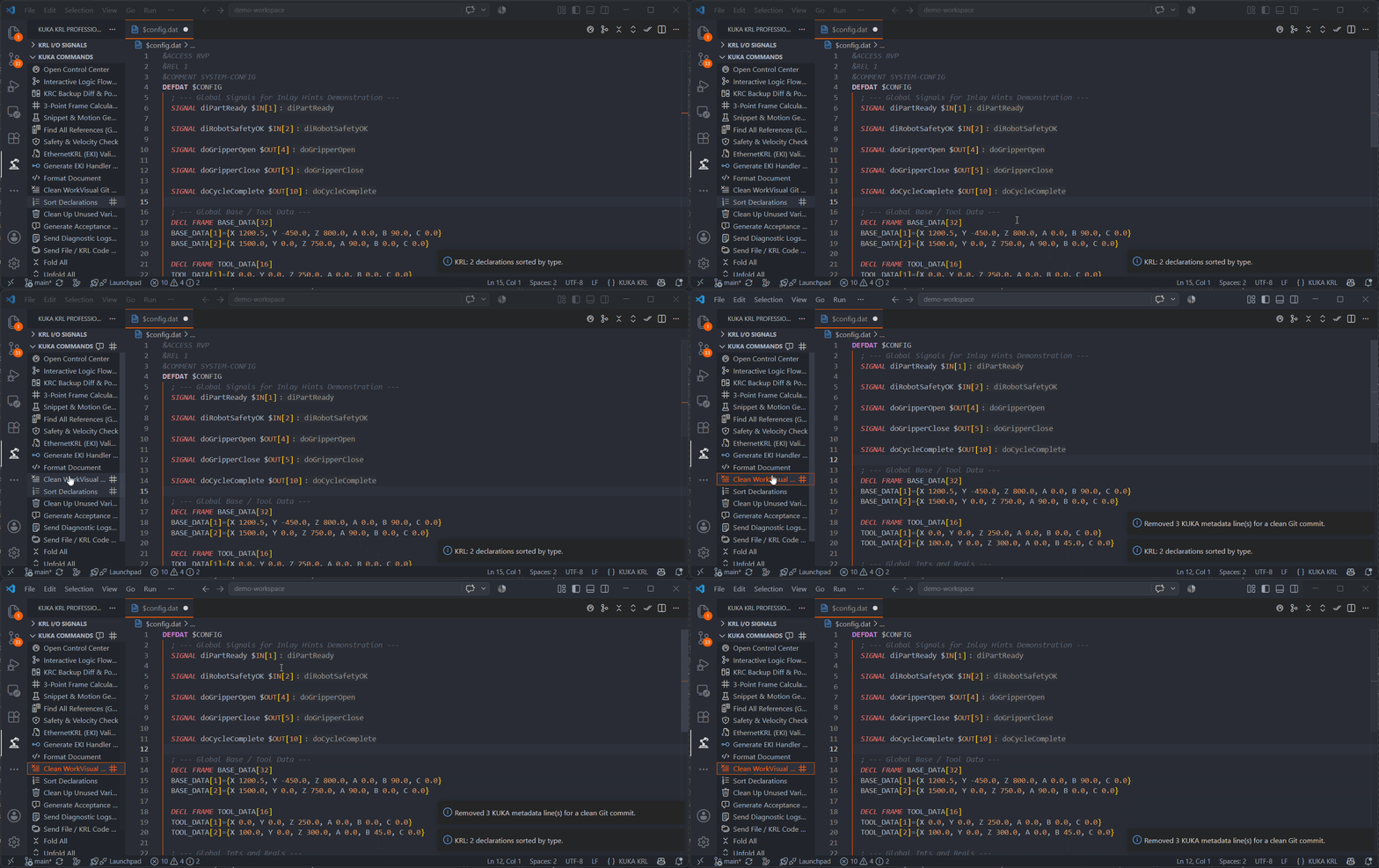
15. Sort Declarations
Sort .dat file declarations alphabetically.